
How to Search Cases by Name
Looking for a case by name in Chattahoochee County? The public route does not start with a name-search form. The clerk's Case Search link opens Icon Case Management. The login screen shows only a UserID box, a UserPassword box, a Log In control, and a Remember User Name checkbox. There is no guest name field. No county selector, court filter, or date range appears before you sign in.
So the steps depend on access. An authorized user signs in and works with whatever fields and credentials the clerk supplies. Everyone else can use the official provider route. Or simply ask the clerk to run the search in the proper court record. A calendar PDF helps confirm a hearing you already know about. It cannot replace a name search of the docket itself.
- Classify the matter as Superior, Magistrate, Probate, or Juvenile before searching. The court directory is a better starting point than a broad name guess.
- Open the county Case Search route and note whether an authorized Icon session is available. Do not treat a login screen as a no-case result.
- Within an authorized session or supported provider account, enter only fields the system actually presents. Do not assume that a name, date, or court filter is required when the live form is not visible.
- Compare any returned case style or setting with a current county calendar, then ask the clerk to confirm the register, disposition, or document that matters.
The table below sorts what a visitor can see from what stays behind the login. A missing field just means the public screen never offered it; it does not mean a search came back empty. Treat the Chattahoochee County case lookup as gated, not blocked.
| Field or Control | Type | Required | Observed Access |
|---|---|---|---|
| UserID | Text | Yes for login | Visible on the Icon login screen |
| UserPassword | Password | Yes for login | Visible on the Icon login screen |
| Remember User Name | Checkbox | No | Visible optional control |
| Party or name | Text | Unknown | Not visible before an authorized session |
| Case number | Text | Unknown | Not visible before an authorized session |
| Court, case type, or date | Filter | Unknown | No unauthenticated fields were documented |
Chattahoochee County Case Search Login
The Chattahoochee County Clerk home points to the Icon case-management endpoint. That login screen is a wall, not a doorway. A redirect loop or a bounce back to the sign-in page tells you nothing. It does not mean a name search failed. It does not prove a case is missing. The public page also makes no promises about a free walk-in terminal, document images, refresh schedules, or coverage dates.
With an authorized account, follow the county's terms. Ask the clerk which courts and record classes the account reaches. Without one, you can still ask the clerk's office for inspection or copies. A good request names the court. Include any known case number, the party names used for identification, the date range, and the exact docket event or document you want. Call the Clerk of Superior Court at 706-989-3424. Visit the records counter at 379 Broad Street after confirming the office. Or write to P.O. Box 120, Cusseta, GA 31805.
If a routine court-file request stalls, ask the custodian. Ask about a formal Georgia Open Records Act request under O.C.G.A. §50-18-70 et seq. That state law can call for a written description, a timetable, and a fee estimate. It can also call for a legal basis for anything withheld. The clerk offers no public terminal, no email dropbox, and no local copy form or turnaround promise. Probate and Magistrate matters may sit with separate offices. So name the court in your request.
Georgia Courts E-Access is a routing layer. It is not a statewide index. Its court-records access page sends users to a provider. It states that an account is required. Picking Chattahoochee Superior leads to a provider choice, not an open name form.
How to Search by Case Number
A case number beats a name for precision. But the public material still shows no complete Chattahoochee County search form. The county criminal calendar follows a pattern. It can be described as YY-CR-NNN: a year, a criminal code, and a running number. That is only a format observation. It is not a real case number. A public example should never carry a genuine one.
In that pattern, YY is the year portion. CR marks the criminal style shown in the calendar material. NNN is the consecutive portion. Rule 36.9 describes a broader clerk-generated identifier. It can fold in year, case type, consecutive number, and judge assignment. Civil, Probate, Magistrate, and Juvenile formats are too thin in public material to guess at matching codes.
Enter an exact number only where an authorized portal or the clerk gives you a field for it. If you lack one, send the clerk the court. Add the party names or case style, the approximate filing or hearing dates, and what part of the docket you need. A number on a calendar may locate a setting. The full event history can remain unseen.
Chattahoochee County Case Search Providers
Chattahoochee County’s e-filing announcement actually names several different tools. Mixing them up is easy. PeachCourt is the route the county announced for Superior civil e-filing and pulling documents. Its sign-in screen asks for Email and Password. Odyssey eFileGA handles the electronic filing side instead. It covers Superior Criminal, Magistrate, and Juvenile functions plus other listed filing workflows. Its public landing shows a JavaScript loading screen. That is not an open case lookup anyone can use.
Then there is re:SearchGA, Tyler’s search and document service built around court and account roles. Vendor help says you can search by party or name. Searches can also run by case number, county, court, provider, or advanced filing, document, and hearing criteria. One caveat matters here. The live endpoint returned a 403. So the required fields, result columns, date operators, and Chattahoochee coverage remain unconfirmed.
Having provider access is not the same as a free public register. What shows up depends on your account type, role, restricted category, and document charge. It also depends on how far back the coverage goes. The vendor’s access help spells out the differences among registered users, attorneys or parties, and restricted roles. It also covers search and document limits. Check current terms inside your provider account. When results come up short, fall back on the clerk.
| Route | Documented Role | Access Boundary |
|---|---|---|
| Georgia Courts E-Access | Routes to a participating provider | Account required after redirection; no universal search |
| PeachCourt | Superior civil filing and document retrieval | Email and Password account; price and coverage vary |
| Odyssey eFileGA | Electronic filing for county-announced court workflows | Account and filing workflow; not a free viewer |
| re:SearchGA | Account-based search and document option | Role limits and a documented 403 access gap |
What a Case Search Shows
A case search result and the court record behind it are two different things. The county's public Criminal Calendar Call sample lists a court header, calendar type, judge, setting and printed dates, page number, case number and style, sequence, count or charge, counsel, and bondsman or own-recognizance details. A co-defendant field rounds it out. Each row marks a setting. No row settles a plea, judgment, sentence, or full disposition.
Uniform Superior Court Rule 39 offers the best field model. That works when the Icon result is out of reach. Rule 39.2 covers civil pieces. These include action number, cause, parties, attorneys, filing and service, disposition, judge, trial facts, judgment, appeals, and cross-references. Rule 39.3 covers criminal ones. Expect case, charge, plea, proceeding, sentence, disposition, warrant, appeal, and related fields. Treat these as categories, not a guarantee of what every screen shows.
| Case number | May identify the matter; the observed criminal calendar pattern is YY-CR-NNN. No real number is reproduced. |
|---|---|
| Style or parties | Caption or case style may identify the proceeding. Private names are not used as examples. |
| Case type | Criminal, civil, domestic, Magistrate, Probate, or Juvenile routing must be confirmed with the custodian. |
| Filed date | Rule 39 treats filing date as a docket field, but it was not visible on the unauthenticated Icon screen. |
| Setting | A county PDF may show a date, time, judge, and calendar type without showing the full event history. |
| Disposition | Dismissal, settlement, judgment, plea, or another result requires the register or order, not a missing calendar row. |
| Document image | No public unauthenticated document link was confirmed. Ask for the specific pleading, order, decree, or certified copy. |
Chattahoochee County Case Search Calendars
The county calendar index is simply a list of open PDF links. It covers Judicial Circuit, Criminal Calendar Call, and Civil/Domestic Calendar material. There is no name box. No case-number filter. No date picker or interactive results screen. A calendar hit tells you a setting appeared in a published file. A missing row tells you nothing about dismissal, transfer, acquittal, or final judgment.
PDFs carry their own quirks. A copied link with spaces in the filename can break. An old file can linger after a newer calendar moves a hearing. Phones sometimes render only part of a PDF. Sometimes you get a vendor loading screen instead. So open the live Chattahoochee County index from a current browser. Note the title and printed date. Then call the right office before relying on a future court date.
Why does the right court matter first? The Georgia court classes reference lays out the statewide court structure. That explains which tribunal might hold the docket you want. That official page describes the state's court framework, not any Chattahoochee County case result.
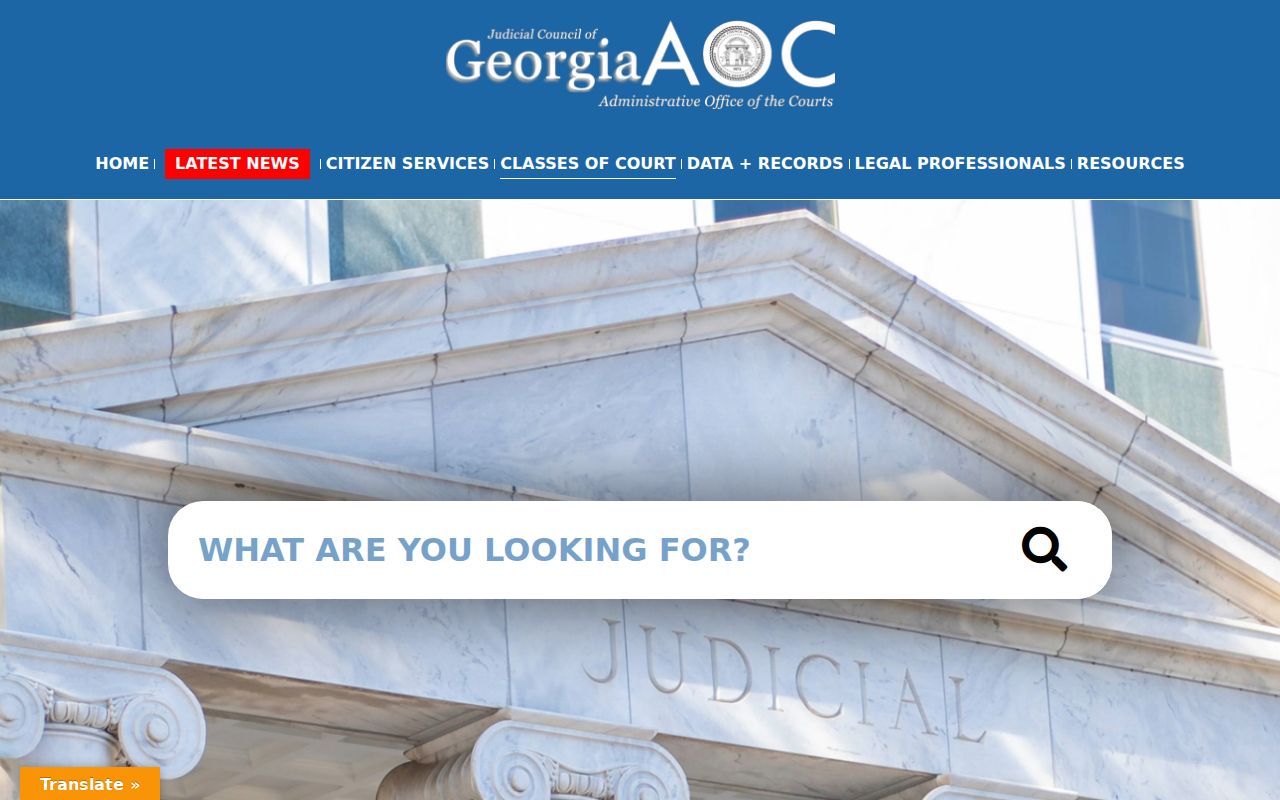
That line matters. A court-class overview is reference material, not a Chattahoochee County case lookup. Confirm any date or case style with the court that actually holds the record.
County vs Statewide Case Search
Georgia has no single statewide public case-search portal. Georgia Courts E-Access works as a directory. It routes you to a provider and leaves you at a login. re:SearchGA can reach participating records for an allowed role, yet its access gap and uneven court coverage make it no guaranteed statewide index.
The local Icon route is not an open county docket search either. It serves as the county's case-management endpoint, showing only login controls before authorization. So the choice between county and state routes is really about where you have access. It is not about a complete public register.
| Search Layer | Coverage and Access | Best Documented Use |
|---|---|---|
| Georgia Courts E-Access | State directory that routes to providers; account required at the provider | Find the applicable provider for Chattahoochee Superior |
| re:SearchGA | Participating-provider search with account and role restrictions; 403 observed during inspection | Use only when the account and court coverage permit the search |
| Chattahoochee Icon | County case-management login; no public search fields visible before login | Authorized local access or a lead for a clerk request |
| County calendar PDFs | Open dated documents with settings, not a full register | Check a published hearing or calendar call |
Chattahoochee County Case Search Limits
Tyler's re:SearchGA help lays out distinct access tiers. Registered users can search nonrestricted, nonsensitive data inside vendor caps. Attorney or party roles may unlock more documents. Criminal, adoption, mental-health, and other restricted categories may demand a role or stay closed. The vendor lists registered-user limits of 300 daily searches or documents per case and 1,000 monthly, with higher ceilings for some professional roles.
Those caps are vendor guidance. The Chattahoochee County clerk makes no such promise. The county case search, your provider account, and the public calendar can each show a different slice of the court record. The live re:SearchGA endpoint also returns a 403 without a proper role, so required fields, result sorting, Chattahoochee data dates, and document behavior all sit behind that wall. A 403 means access was denied. It does not mean no case exists.
When the account route stalls, take a precise request to the clerk: the register of a case, a filing, an order, a disposition, or a certified copy. The clerk's office can tell you whether Superior, Magistrate, Probate, or another office holds the item, and whether a redacted public version exists.
Chattahoochee County Case Search eCertification
GSCCCA eCertification is built for certified-document requests and authentication. It is not a free public case index. The home flow walks through participating counties, account registration, and an authorization-code lookup. The lookup field follows a masked pattern, AAAAA-AAAAA-AAAA, with a Lookup control beside it. That code verifies a certificate that already exists. It will not pull up every Chattahoochee County case by party name.
Starting a new request still means picking the county and document. It also means holding an account. You follow the service's prompts from there. No official source gives the Chattahoochee fee, turnaround, accepted payment method, or exact document classes. So ask the clerk first whether the court record you want qualifies. Do that before making eCertification your next step.
The official eCertification home page is what the image here depicts. It helps you recognize the authorization-code route once a certified document has already been issued.
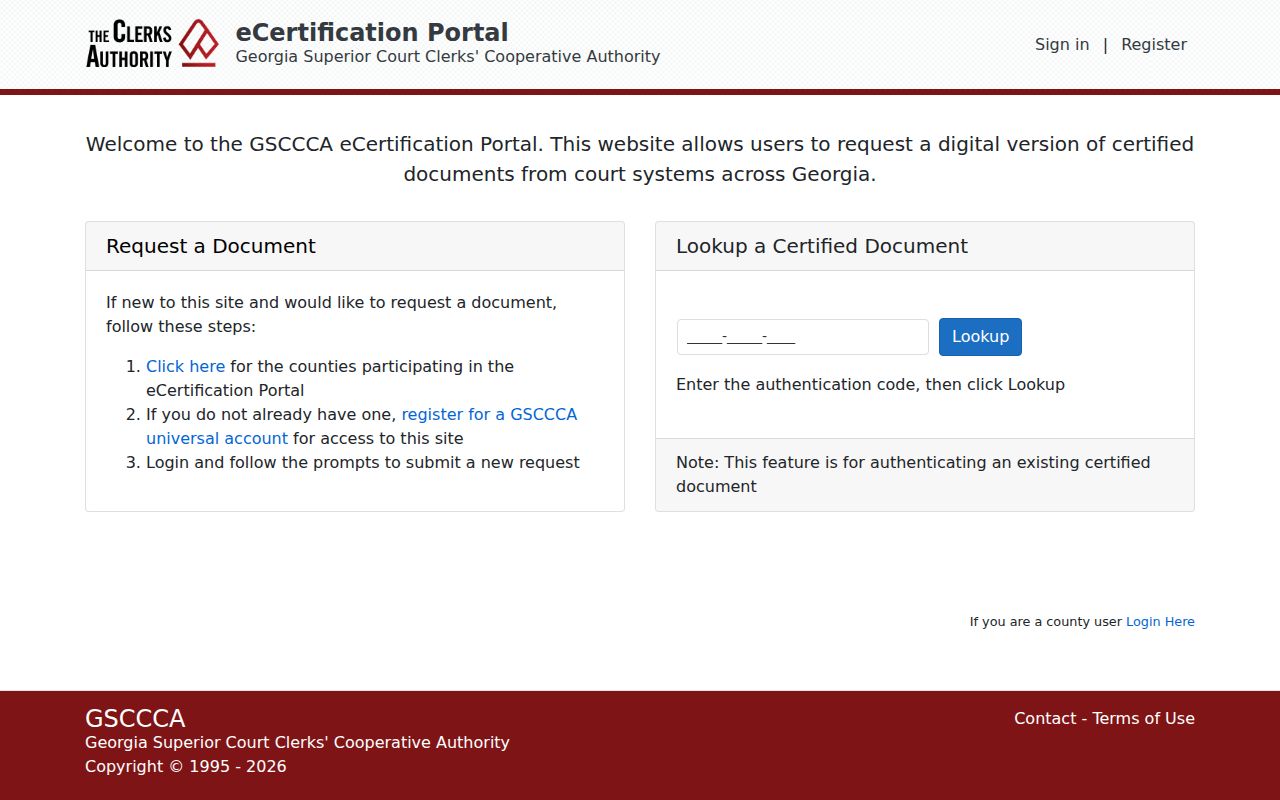
GSCCCA runs an eFile product too. That one covers real-estate and UCC recording, so it is not a Chattahoochee County court docket lookup. Do not reach for it when you need case information.
Chattahoochee County Case Search JDEX Access
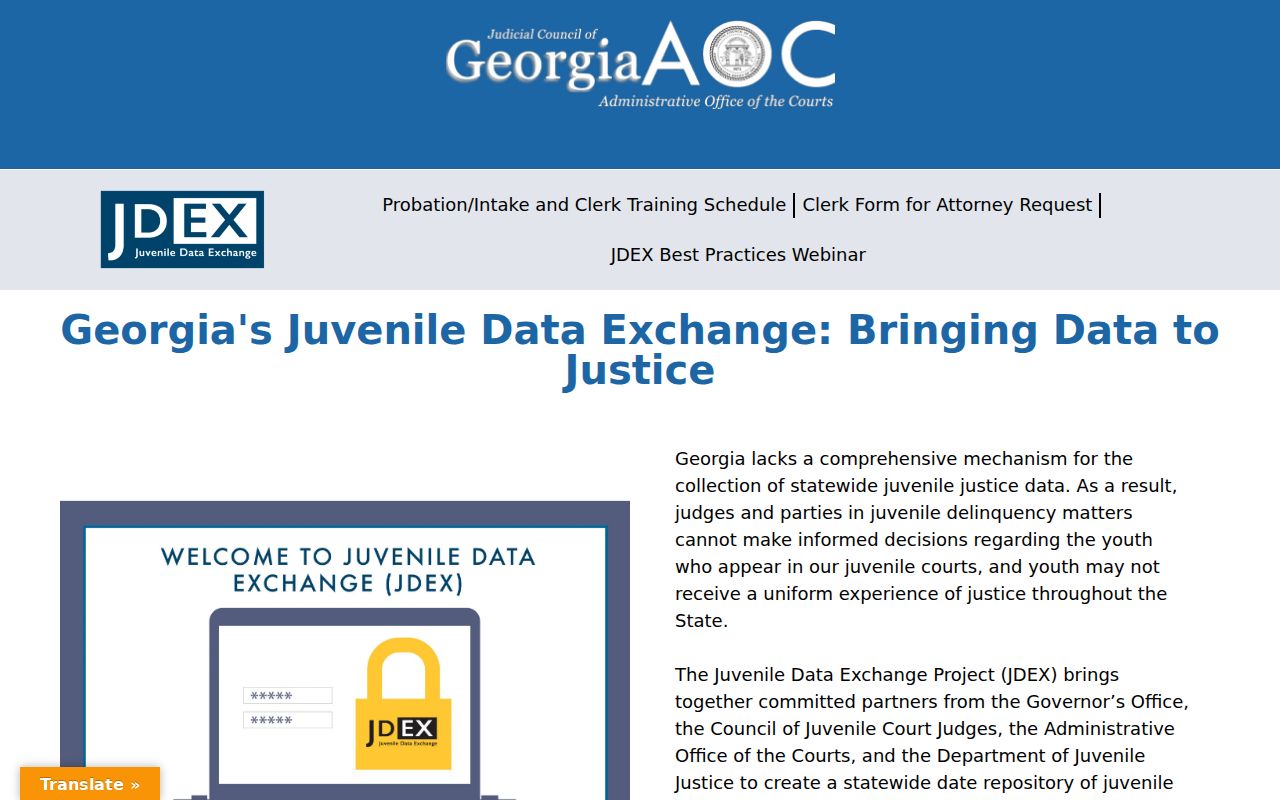
Juvenile cases sit behind their own wall. Georgia Courts describes JDEX as a juvenile-data project. Its authorized login warns that access is restricted. The Juvenile function of the Clerk of Superior Court holds delinquency and dependency material for Chattahoochee County. It creates no public right to search by name. Adoption records are sealed or confidential under the Rule 39 material as well.
A public calendar line or a redacted docket entry can still appear even when a petition, a social-history item, or a document image is withheld. Rule 21 access orders shape what opens up. So do protected identifiers under Rule 21.6 and O.C.G.A. §9-11-7.1, along with vendor role controls. Ask the clerk about the legal basis for any denial. Ask whether a redacted portion exists too. Avoid volunteering protected details in an open request. The official JDEX page gives statewide juvenile-data context that helps explain the split.
The authorized JDEX login source shows the second access layer. Neither page is a public Chattahoochee County case result.
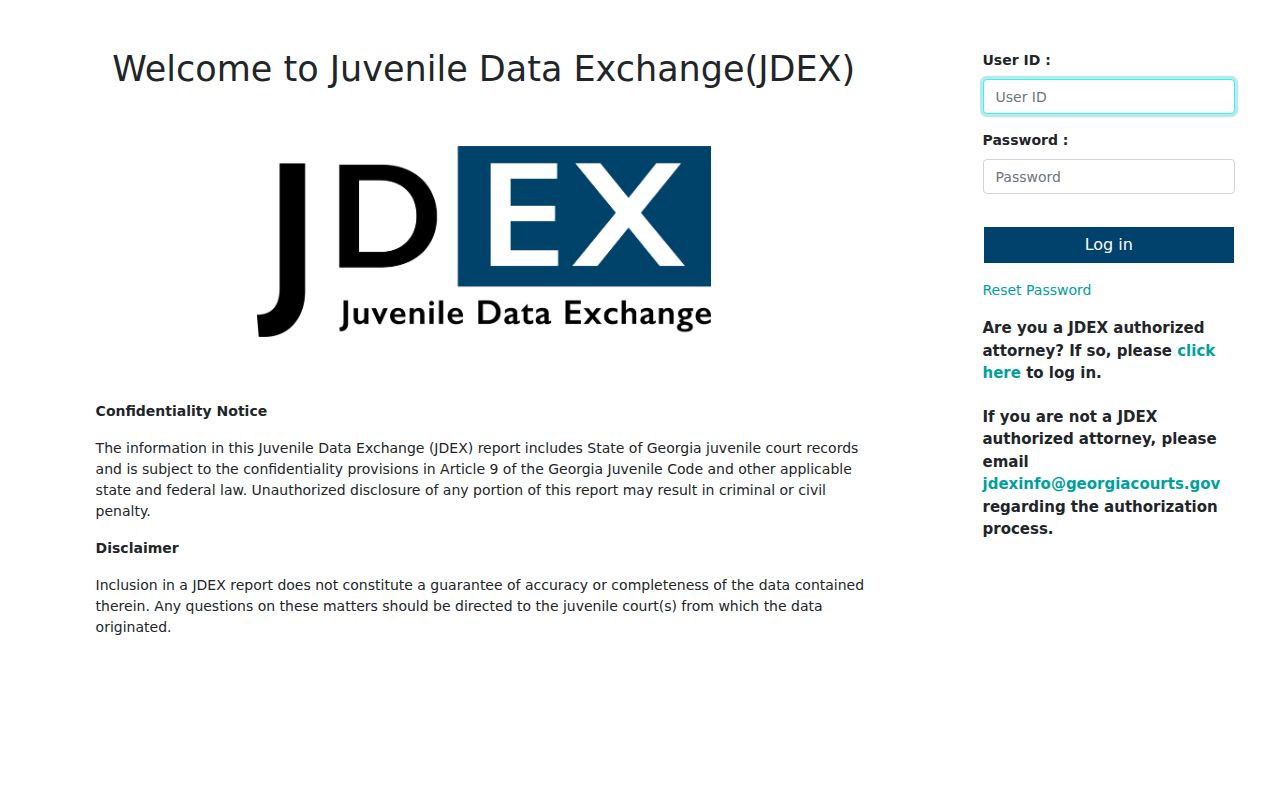
For an adult public case, take the court and clerk route that fits the record. Restricted matters are different. There, the answer turns on statute, rule, court order, and your authorized role.
Restricted Cases and Access Rules
Georgia leans toward openness, but the baseline has limits. One docket entry can sit next to a sealed attachment or a redacted identifier. Some documents need a special request. Juvenile and adoption material demands extra care. So does anything involving family violence, stalking, mental health, or protected personal identifiers. When Icon, E-Access, or re:SearchGA returns nothing, that alone tells you nothing about why.
Access rules to check:
Uniform Superior Court Rule 21 explains motions and orders that limit access to court records.
O.C.G.A. §9-11-7.1 and Rule 21.6 address protected identifiers and redacted public filings.
Georgia Open Records Act, O.C.G.A. §50-18-70 et seq. supplies a public-record request framework, subject to court-record rules and exceptions.
Uniform Superior Court Rules 36 and 39 describe clerk custody, filing, docket content, and recordkeeping.
If a result matters for a hearing, a filing, or a case decision, confirm it with the originating court or clerk. A clerk can sort out a login problem from a coverage gap, a sealed record, or a plain no-result response. An unverified guess about a portal serves no one.