
Chattahoochee County Court Calendars Explained
The county clerk's calendar page is an index of PDF links, not a searchable calendar app. Its examples include a 2026 Judicial Circuit calendar, an August 14, 2026 Criminal Calendar for Judge Martin, and an August 14, 2026 Civil/Domestic Calendar for Judge Martin. Labels can change as judges, dates, and files change.
Those PDFs cover settings and scheduling. They are not a complete register of filings, orders, dispositions, or financial entries. The county Case Search destination opens an Icon login. Meanwhile, Georgia Courts E-Access routes users to account-based providers. Keep those roles separate when you check a court date.
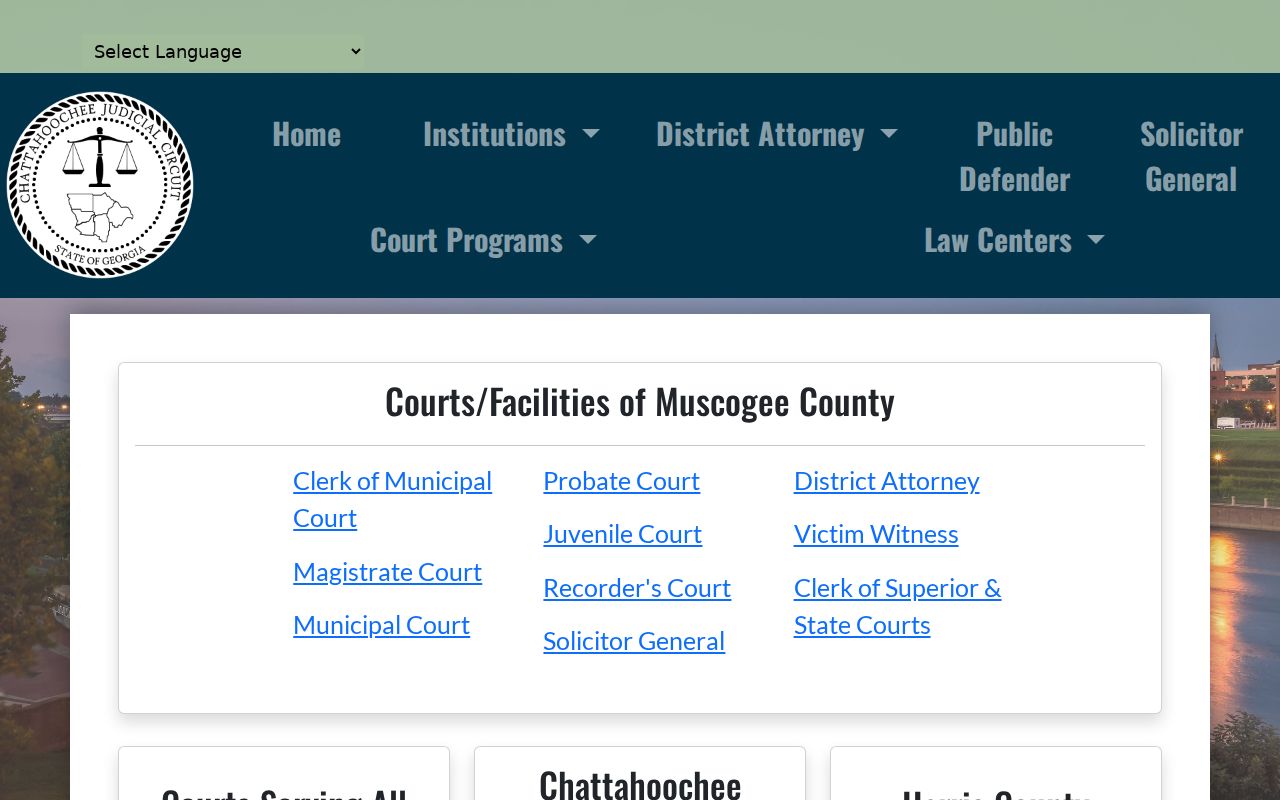
The official circuit institutions directory lists Chattahoochee Superior, Juvenile, Magistrate, and Probate functions on one page. That page lays out the circuit's court structure. It does not mean every court shares one calendar or one access route.
Start with the court named on your notice or citation. Then use the matching calendar and office, not a circuit-wide file with a similar title.
Chattahoochee County Court Calendar Map
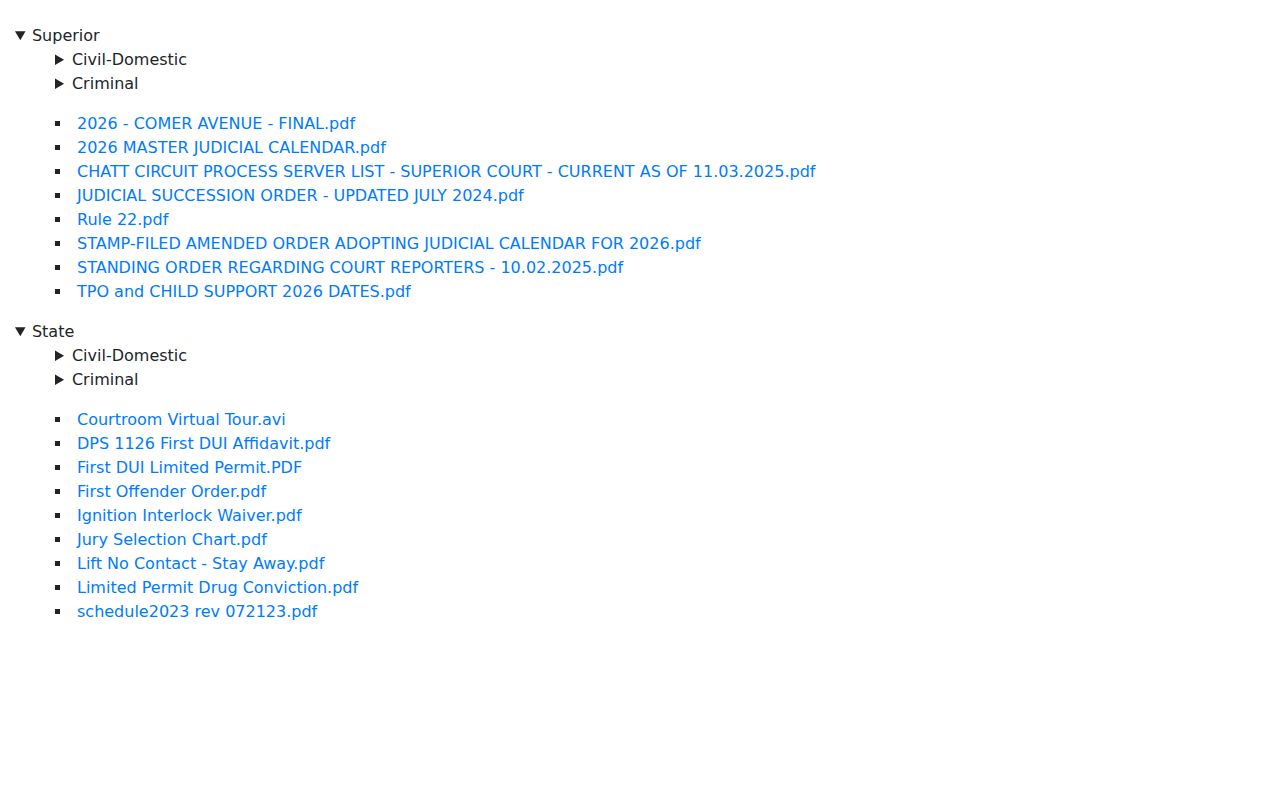
Picture the calendar system in three layers. The county clerk page supplies named PDF links. A circuit docket-management host adds civil-domestic, criminal, master-calendar, TPO, and child-support folders. The Icon and provider routes may hold case information. That access is for authorized users only. Neither offers a public date filter.
The circuit host also contains a separate State accordion. It holds Muscogee State Court material. Do not read that section as a Chattahoochee State Court calendar. The county institutions listing names no separate Chattahoochee State or Municipal Court.
The circuit docket-management host is the source for that directory and PDF layer. Its administrative files can help with a docket search. Still, a download link alone never proves a setting is current.
Whenever you save a calendar reference, keep the county label, court, judge, file title, setting date, and printed date together. That context matters.
| Calendar layer | Useful for | Limit |
|---|---|---|
| County PDF index | Finding current-looking criminal and civil/domestic links | No search field, filter, or published last-updated timestamp |
| Circuit docket host | Master, civil-domestic, criminal, TPO, and administrative PDF directories | Circuit-wide material can include a separate Muscogee State accordion |
| Icon or provider route | Authorized case and event review when credentials and coverage permit | No unauthenticated Chattahoochee date result was exposed |
Finding Your Court Date
Start with the newest official source. It must name the right court and setting. Record the PDF title, judge, printed date, setting date and time, case style, and page number. A missing file or an urgent setting points you to the clerk's phone and counter. A lawyer, a party notice, or a citation can supply a starting date. But only the court office controls a changed setting.
- Open the county clerk's live Court Calendars index and choose Judicial Circuit, Criminal, or Civil/Domestic.
- Read the PDF title, judge, setting date, time, printed date, and case or style line.
- Check the authorized Icon case route when credentials are available; do not treat the login screen as a result.
- Call the Superior, Juvenile, or Magistrate clerk at 706-989-3424, the Probate office at 706-989-3603, or the Magistrate office at 706-989-3643.
- Visit or call the Broad Street counter when the online file is stale, missing, or unclear.
- Check Georgia Courts emergency-order notices when weather or another declared event could affect the date.
- Confirm the final date, time, courtroom, and reset status before appearing or sending a witness.
When a date or setting cannot be confirmed online, ask the clerk. You can inspect records at 379 Broad Street. Use 377 Broad Street as a courthouse-area landmark. You can also mail a focused request to P.O. Box 120, Cusseta, GA 31805. Be specific about the case. A written request under the Georgia Open Records framework can seek a calendar item or docket event. Ask the custodian to confirm the court-file process, fee estimate, and delivery method.
Online checks have limits here. The clerk posts no daily printed calendar, public terminal, email dropbox, or local copy schedule. The Case Lookup route can help you identify the case first. It does not replace a current calendar or the clerk's confirmation.
Chattahoochee County Court Calendar PDFs
The county calendar offers no searchable name filter or case-number filter. There is no court dropdown or last-updated timestamp either. The clerk publishes no daily printed calendar either. Judge-specific files can appear with a new date or title. An earlier direct URL can fail even when the index has a newer link.
Examples show why the printed date matters. The Criminal Calendar Call sample carries a setting date and a printed date. Civil and domestic links can carry judge names and internal labels such as VPE Preview. A file name never proves a matter is still set, continued, heard, or closed. Neither does an old PDF.
Save the index link as well as the PDF. Direct files with spaces in their names can fail. Return to the county calendar index for the current link. If the date is close, call the appropriate clerk after reading the file.
How to Read a Court Setting
The public Criminal Calendar Call shows how a setting record reads. Its header names Chattahoochee County Superior Court. It also lists the presiding judge, the setting date and time, the printed date, and the page. A table headed Case Number and Style of Case then lists sequence, case style, count or charge, prosecution attorney, defense attorney, bondsman or own-recognizance status, and co-defendant fields. Those fields fill one row per case.
The civil model runs broader under Rule 39.2. Even so, the county posts no Civil/Domestic PDF, so treat civil details as open questions until the court supplies them. Do not fill in a courtroom, disposition, or complete history the public file does not show. A setting is an appointment on a court calendar. It is not a judgment.
| Setting date | The date the court event is scheduled to occur. |
|---|---|
| Printed date | The date the PDF or calendar sheet was produced; it can differ from the setting date. |
| Time | The time shown for the calendar or setting; confirm whether it is a call time or an individual appearance. |
| Judge or calendar | The presiding judge or named calendar, which can change across PDFs. |
| Case and style | The case number and caption fields, with private party details omitted from examples. |
| Setting type | Criminal Calendar Call, Civil/Domestic Calendar, TPO, child-support, master, or another listed setting. |
Pick the field that actually answers your date question. If the PDF leaves out a courtroom or current status, confirm the whole setting with the clerk.
Chattahoochee County Criminal Calendar Call
A Criminal Calendar Call in Chattahoochee County is not a trial. Think of it as a working schedule. It can organize pending matters, record a setting, and list charge or counsel fields, but nothing more. Under Rule 20, a peremptory calendar exists. Pending civil or criminal cases get called. Counsel announces readiness or a trial date. So read a county PDF labeled Criminal Calendar Call as a scheduling document unless the register or an order says more.
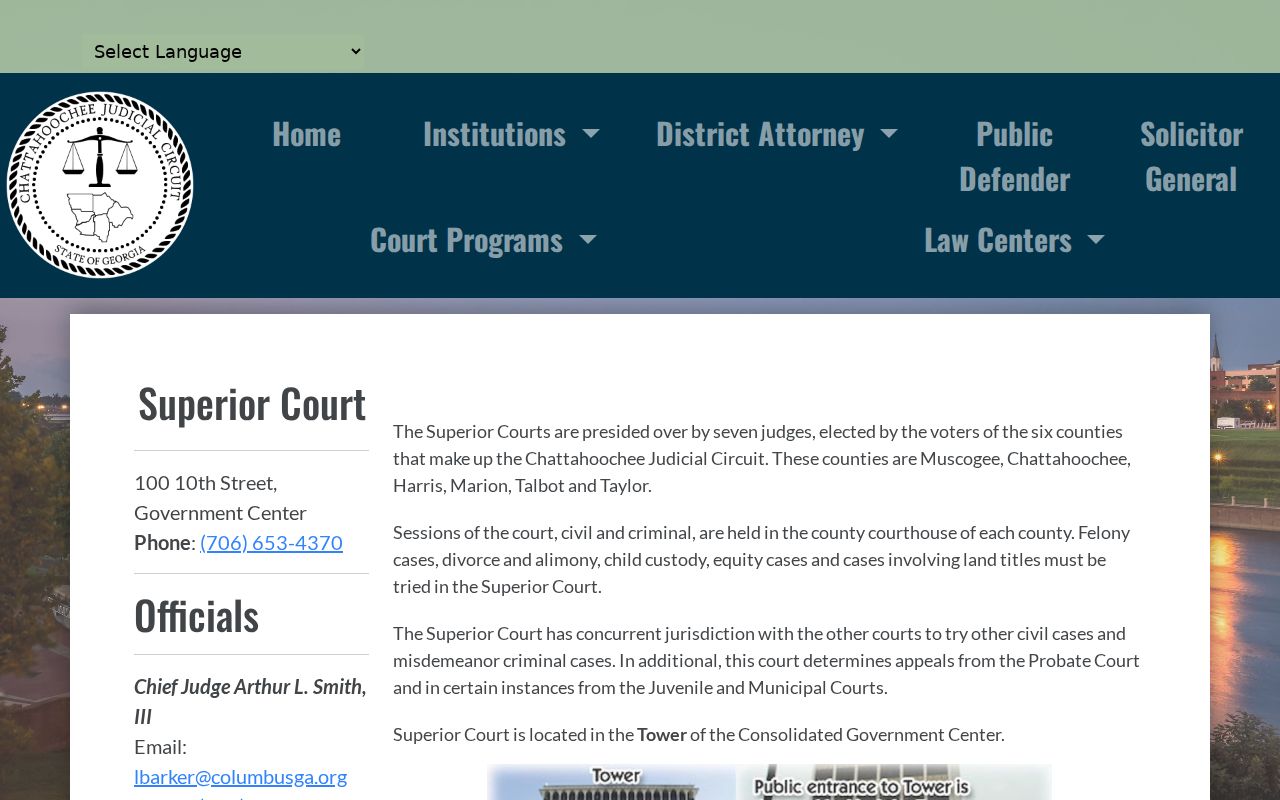
The Circuit Superior Court overview notes that Superior sessions are held in each county of the six-county circuit. That circuit-wide context is helpful. It still does not turn a general overview into a case-specific date notice.
When a calendar call shows up in a Chattahoochee County criminal docket, look for what comes next. Is it an announcement, pretrial, trial, plea, or another setting? A charge line is still only an allegation, and a calendar call proves neither a plea nor a disposition.
- Setting
- A scheduled court event or appearance shown on a calendar.
- Calendar call
- A call of pending matters used to organize readiness or future settings, not automatically a trial.
- Printed date
- The production date on the PDF, which may not match the hearing date.
- Continuance
- A move of a setting to a later time or date under the court's process.
Continuances, Resets, and Cancellations
The county publishes no code legend for resets or continuances. A newer PDF can replace an older one. The old file's name does not change. No plain-language note is added either. So a case missing from one calendar might sit on another judge's file. It could be removed after a filing. It could be restricted, already be heard, or simply fall outside that publication. A dropped row is never a dismissal, an acquittal, or a final judgment. Compare the current index, then call the clerk or court office.
For Superior, Juvenile, and Magistrate clerk questions, use 706-989-3424. Probate traffic questions go to 706-989-3603. The Magistrate office number is 706-989-3643.
Weather and emergency orders give one more reason to confirm. A posted date can shift because of a closure, tolling, or an order changing filing and appearance deadlines. Keep the order date next to the calendar date whenever a plan is time-sensitive.
Chattahoochee County Calendar Weather Closures
The January 23, 2026 Chattahoochee Judicial Circuit order shows something important. A court calendar needs an emergency check. The listed circuit courts closed January 26, 2026, from 8:00 a.m. through 11:59 p.m. They reopened January 27. The order applied tolling or deadline extensions. That example is historical, though. It does not announce any closure today.
For current information, use the Georgia Courts Winter Storm Fern notice and the live emergency-order index. The order listed local contact numbers for Superior, Juvenile, Magistrate, and Probate functions. A stormy week is a reason to call. It is not a reason to assume every old PDF is void.
The circuit's officials directory adds another layer of public judicial-office contacts. It supplements the clerk. It cannot replace the county clerk's date confirmation or an operative emergency order.
If a date falls near a storm, closure, or declared emergency, check the order. Call the named office, write down who confirmed what, and keep that record.
Note: An old calendar can remain easy to download after a closure or reset, so its date must be checked against current notices.
Chattahoochee County Court Calendar Recording Rules
Can you record a hearing in a Chattahoochee County courtroom? That depends on the rules, not on the docket itself. Uniform Superior Court Rule 22 controls courtroom recording and device use. The county's Rule 22 request form wants details. It asks for the case number and style, the device, selected portions, the date, personnel, a signature, position, and judge approval. So a public calendar entry never means a phone or laptop is free to record the setting.
The county Rule 22 recording request and the Uniform Superior Court Rules are the controlling sources. Both carry contempt language. Unauthorized use can bring removal or exclusion from the courtroom. Get approval first.
One more caution. A saved copy of a court calendar is not a certified record. If you need proof for a filing, keep three things. Save the title, source, and date. Then ask the clerk for the document or register entry behind the docket fact.
If You Miss a Court Setting
Act fast, and use the court named on the notice. Call the clerk or office involved, say the setting was missed, and ask whether a reset or order is already entered. Write down the date and time of the call. If counsel represents the party, contact counsel too. Remember, a calendar omission tells you nothing. It cannot confirm a failure-to-appear entry, warrant, bond issue, or new date.
Missed a setting? Do not assume the case was dismissed or the date was canceled because a PDF is hard to find.
Confirm the current record with the proper clerk: 706-989-3424 for the Superior, Juvenile, and Magistrate clerk functions, 706-989-3603 for Probate, or 706-989-3643 for the Magistrate office.
Ask a licensed attorney about the legal effect of the missed setting, any required appearance, and the safest next step.
Check the emergency-order index when weather or a declared closure might explain the change. Then request the current setting, a reset order, or the docket entry stating what happened. A call or visit can close an access gap. A stale PDF cannot.